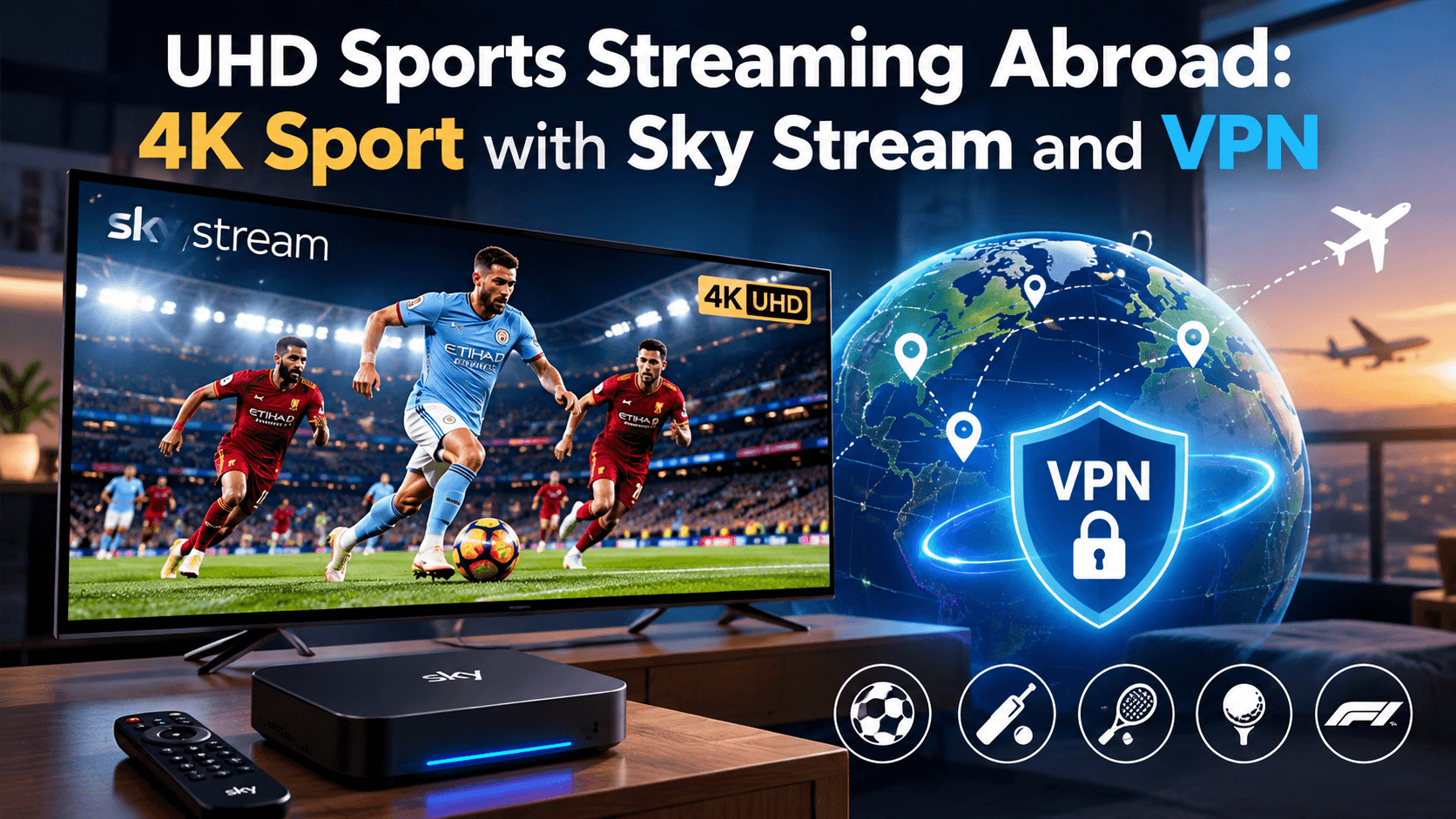

UHD Sports Streaming Abroad: 4K Sport with Sky Stream and VPN
UHD sports streaming abroad: what you need for a crystal‑clear matchday
Big fixtures are better when you can see every blade of grass, every spin of the ball, and every expression after a last‑minute winner. If you are living or travelling outside the UK, getting that level of clarity can feel tricky. The good news is that 4K Ultra High Definition is absolutely within reach abroad with the right kit and a dependable connection.
This guide breaks down what 4K/UHD actually means, what gear you really need, how much bandwidth to budget, and how Sky Stream with our VPN Router helps you access UK sports apps overseas. Read on for pros and cons, practical tips, and a quick‑start checklist ahead of the new football and rugby seasons.
4K and UHD, explained in plain English
4K and UHD are often used side by side. For TV streaming, they essentially mean the same thing, a picture that is roughly four times sharper than standard Full HD. That is 3840 x 2160 pixels, which gives you finer detail, cleaner lines, and a more lifelike image.
You will also see HDR, short for High Dynamic Range. HDR boosts contrast and colour, so white shirts look bright without blowing out, dark stands hold their texture, and the pitch looks natural instead of washed out. Most modern 4K TVs support at least one HDR format, such as HDR10 or Dolby Vision.
So, what does 4K UHD streaming mean? It is simply watching live or on‑demand video at that 3840 x 2160 resolution, often with HDR, delivered over your broadband instead of via satellite.
What you actually need for 4K sport abroad
There are three essentials, plus one important extra if you are outside the UK:
- A TV or display that supports 4K/UHD and HDR. Check for a 4K resolution setting and HDR in the picture menu. Use a certified High Speed HDMI cable.
- A 4K‑capable streaming device or app. Sky Stream and the Sky Stream Puck support 4K where available in your subscription and the source app.
- Sufficient broadband. For stable 4K sport, plan for a steady 25 to 35 Mbps per stream. If others are streaming in your home at the same time, add headroom.
- If you are abroad, a VPN solution that works at the router level. Our VPN Router presents a UK connection to supported apps and services on all connected devices, so your Sky Stream setup and UK sports apps can work as expected.
If you would like help building a room‑by‑room plan or choosing hardware, explore our guidance for a whole home entertainment system that covers TVs, pucks, cabling, and Wi‑Fi placement.
Sky Stream, the VPN Router, and watching UK sport overseas
Sky Stream is Sky’s internet‑based TV service that runs over broadband. Pair it with our pre‑configured VPN Router and you can access supported UK streaming apps abroad on your TV. The router arrives ready to plug in, so your Sky Stream Puck, smart TV, console, and tablets can all share the same UK endpoint without you juggling app‑level VPNs.
If you are new to the platform, learn what a sky stream subscription includes, how live channels and apps sit together, and how flexible add‑ons work. When you are ready to get going, our step‑by‑step sky stream setup guide shows you how to connect the Puck, join Wi‑Fi, link your accounts, and verify your picture settings for 4K and HDR.
Bandwidth, Wi‑Fi, and picture stability
4K sport is fast‑moving, so compression has to work harder. Smooth results depend on a few simple tweaks:
- Use wired Ethernet for the Sky Stream Puck where possible. If you rely on Wi‑Fi, connect to the 5 GHz band and keep the router in line‑of‑sight of your TV area.
- Aim for consistent speed. Spikes are less of a problem than dips. If your provider offers 100 Mbps or above, that gives you comfortable headroom for multi‑room viewing.
- Check your TV’s motion handling. Many sets offer a “sports” or “motion” mode that reduces blur. Try it, but avoid over‑processing that makes play look unnatural.
- Keep other heavy downloads off your network during big matches. Schedule updates and cloud backups for off‑peak times.
Is UHD the same as 4K, and is it worth it?
For streaming and consumer TV, UHD and 4K are treated as the same resolution. Cinemas use a slightly different spec, but for your living room the terms are interchangeable.
Is 4K UHD streaming worth it? For sport, yes, if your TV is 55 inches or larger or you sit fairly close. The extra detail makes it easier to track the ball, read player names, and appreciate camera pans. HDR also helps with glare on sunny pitches and floodlit evening games. If your internet is marginal, you will still benefit from a solid 1080p HD experience; but if you can support 4K, it is a noticeable upgrade.
Can I watch Sky Sports in UHD, and do I pay extra?
Availability can vary by package and event. Sky offers UHD content on compatible hardware for selected programming and sports. In many cases you will need a UHD‑enabled package or add‑on in your Sky account to unlock 4K streams. The exact pricing and which events are included can change, so check your current package details before kick‑off. For a broader overview of formats and availability, see our guide to sky in 4k and 4K UHD streaming on Sky platforms.
Pros and cons of UHD for live sport
Pros:
- Sharper detail for faster action and replays
- Better colour and contrast with HDR
- More immersive feel on larger screens
Cons:
- Needs stable, higher bandwidth
- Not every match or app offers UHD all the time
- Poor Wi‑Fi can undermine the benefits
Quick‑start checklist before the new season
- Confirm your TV is set to 4K resolution and HDR is enabled.
- Use a certified High Speed HDMI cable to the Sky Stream Puck.
- Run a speed test at the TV location, target 25 to 35 Mbps per active 4K stream.
- Plug in our VPN Router if you are abroad, then connect your Puck and TV to it.
- Sign in to your sports apps on Sky Stream and check UHD toggles in settings.
- Watch a test clip or on‑demand 4K title to verify HDR and audio before matchday.
If you want a room‑to‑room plan, or to add multi‑room viewing later, see how we support multi device streaming across households and secondary TVs. You can also compare current sky stream packages and bundles if you want to add sports to your base plan.
Fast FAQ
- What does 4K UHD streaming mean? Streaming at 3840 x 2160 resolution, typically with HDR, over your internet connection.
- Is UHD the same as 4K? For TV streaming, yes. The terms are used interchangeably.
- Do you pay extra for UHD on Sky? Often you need a UHD‑enabled package or add‑on. Check your account for current pricing and availability.
- Can I watch Sky Sports in UHD? Selected fixtures and programs are offered in UHD on compatible hardware and subscriptions. Not every event is UHD.
- Is 4K UHD streaming worth it? For live sport, the step up in clarity and HDR usually makes it worth it if your connection can support it.
The simple way to get set for crystal‑clear matchdays
With a 4K TV, a Sky Stream Puck, steady broadband, and our VPN Router, you are ready for crisp, vibrant sport abroad. Check your package for UHD access, run through the checklist, and test ahead of time. If you need a hand, start with our overview of sky stream tv or dive into the detailed sky stream setup guide to be match‑ready in minutes.